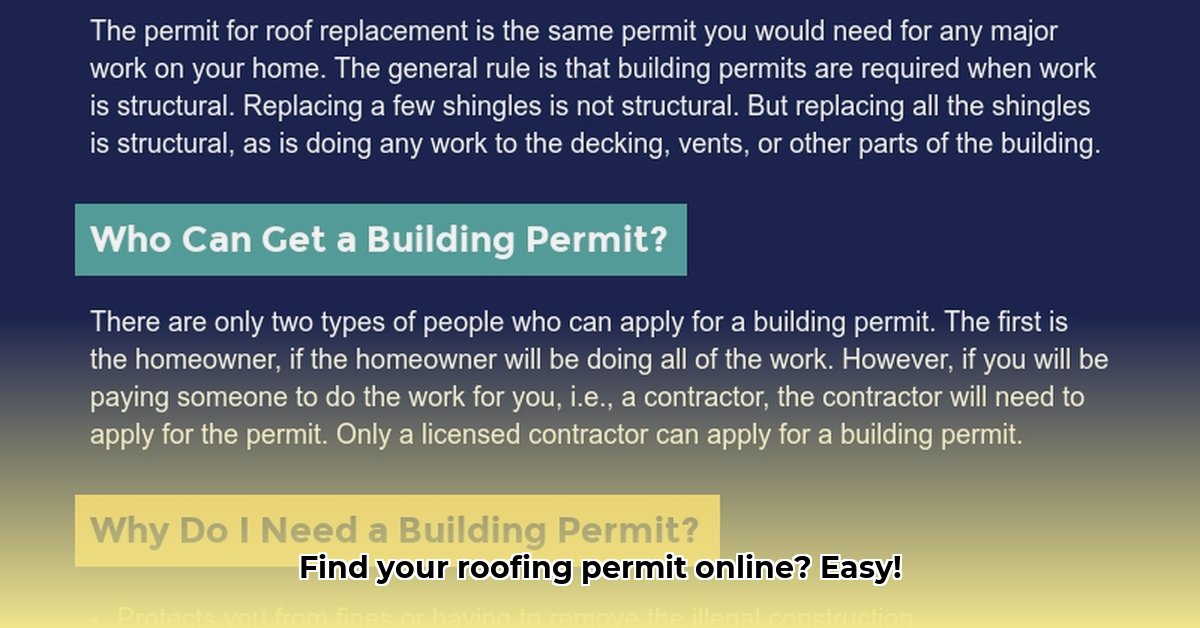
Planning a roof repair or replacement? Before you begin, checking for a roofing permit is crucial. Failing to do so can lead to significant fines, insurance complications, and even legal issues. Fortunately, verifying permit existence is often straightforward using online resources. This guide provides a step-by-step process to easily and efficiently check for roofing permits online.
Three Key Reasons to Check for a Roofing Permit:
- Avoid Costly Fines: Unpermitted work can result in substantial penalties from your local building department.
- Ensure Insurance Coverage: Many insurance policies require permits for home improvements to be covered.
- Protect Your Investment: Verifying permits provides assurance that the roofing work was performed to code, protecting your property value.
1. Locating Your Local Permitting Authority
First, identify the government agency responsible for building permits in your area. This is typically your city or county. A simple online search using terms like "[your city/county] building permits," "[your city/county] permit search," or "[your town/city] planning department" should provide the necessary website.
2. Navigating the Website to the Permit Search Tool
Once you've found the official website, locate the "Permits and Licenses," "Building Permits," or "Construction Permits" section. Look for a link or button labeled "Permit Search," "Online Permit Search," or similar phrasing. Government websites can sometimes have less-than-intuitive designs; don't hesitate to utilize the website's search function if necessary.
3. Utilizing the Permit Search Tool
Most online permit search tools allow searches using various criteria:
- Property Address: Enter the complete and accurate property address, including unit numbers if applicable. Using the tax parcel number (easily found via a Google search: "[your address] tax parcel number") can often yield more accurate results.
- Permit Number: If you know the permit number, this is the fastest and most reliable search method.
- Applicant Name: Searching by the homeowner's or contractor's name is less effective but may still yield results.
Remember to meticulously verify all information before initiating the search.
4. Interpreting Search Results
Search results typically display:
- Permit Status: Shows whether the permit is approved, pending, denied, or expired. Look for terms like "Approved," "Issued," "Pending Review," "Denied," or "Expired."
- Permit Date: The date the permit was issued.
- Contractor Information: May include the contractor's name and contact details.
- Permit Type: Specifies the type of work covered (e.g., roofing).
A lack of results suggests a permit may not have been obtained for recent roofing work. The presence of a permit indicates the work underwent review for code compliance prior to commencement, though it doesn't guarantee high-quality workmanship.
5. Understanding Permit Implications
A permit signifies that the roofing work was assessed for compliance with local building codes and safety regulations. Absence of a permit doesn't automatically mean illegal activity occurred, but it raises significant concerns. It implies that the work may not have been inspected, potentially impacting home value, insurance coverage, and liability in case of issues.
6. Troubleshooting Common Issues
Encountering difficulties? Here are solutions to common problems:
- Website Navigation Problems: Use alternative search terms like "[your city/county] building department permit lookup" or try different web browsers.
- No Permit Found: Double-check your inputted information, use different search parameters, and contact the building department directly.
- Confusing Results: Contact the permitting office for clarification; they are available to assist.
- Website Errors: Try again later or contact the building department's IT support if the issue persists.
7. Alternative Methods
If online searches prove unsuccessful, consider:
- In-Person Visit: Visit the building department in person to receive assistance.
- Phone Inquiry: Contact the department directly via phone; be prepared to provide pertinent details.
Troubleshooting Table: A Quick Reference
| Problem | Solution |
|---|---|
| Website Navigation Issues | Try alternative search terms; contact the building department's IT support. |
| No Permit Found | Verify information; use different search parameters; contact the building department. |
| Unclear Results | Contact the building department for clarification. |
| Website Errors | Try again later; contact the department's IT support if the problem persists. |
Remember, checking for a roofing permit is a crucial step in any roofing project. It safeguards your investment and ensures compliance with local regulations. Follow these steps to navigate the process efficiently and confidently.